Busy all day—but doing what? Make sense of your working time
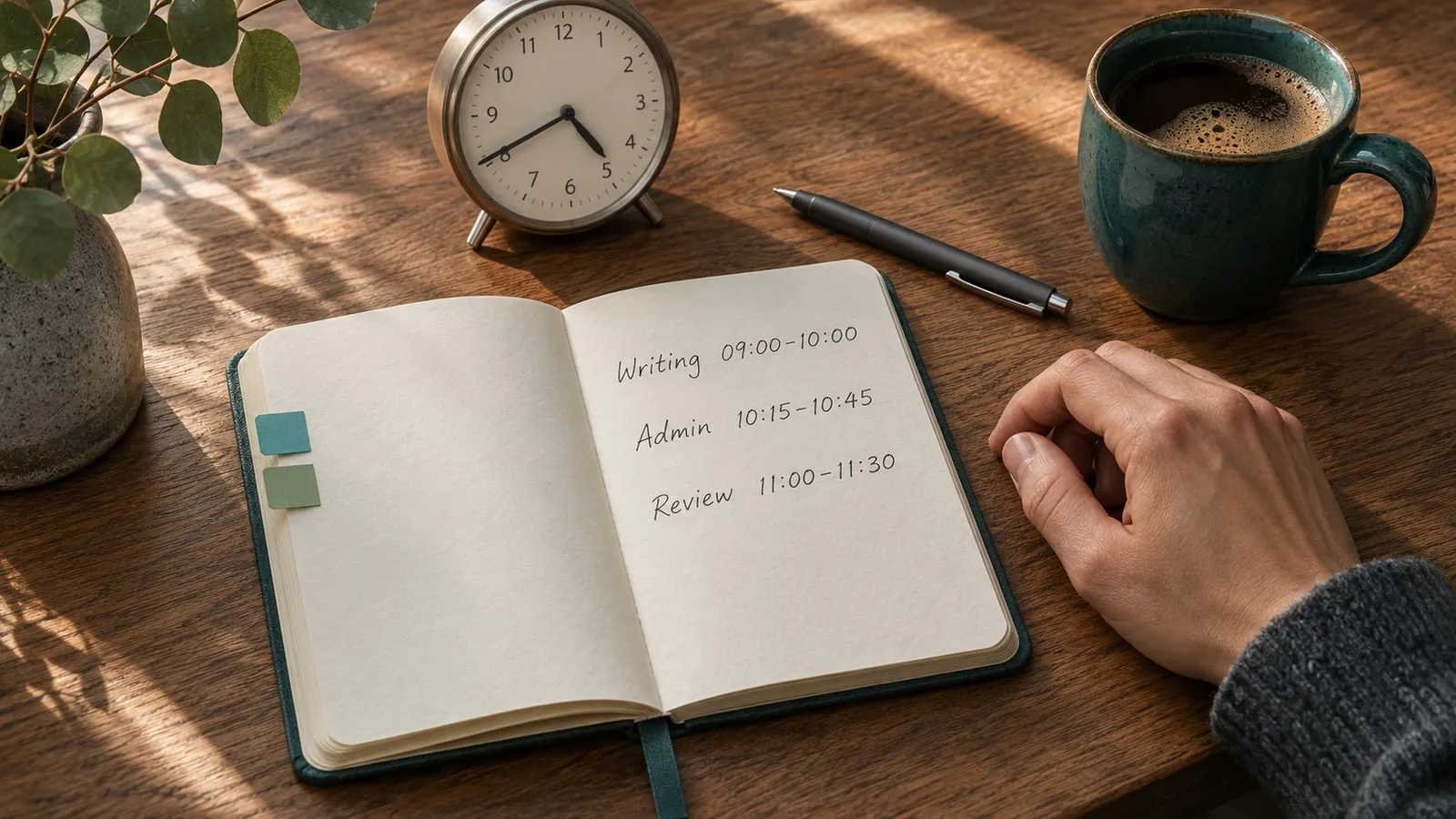
By Friday, you remember plenty of small jobs. But how much attention did your important project receive? A checklist only partly answers that question: a quick errand and a demanding draft each count as one completed item.
A weekly review using recorded working time offers a different perspective. Priosia connects task priorities with the effort you actually record. You can look beyond what you intended and examine what you worked on.
Start with a question, not a score
Choose a question that will help you make a decision. “Did preparing my workshop get enough attention this week?” Or: “Which administrative tasks kept drawing me away?”
You do not need continuous self-surveillance or a ranking of your most productive days. The record is useful when it helps you choose your next action.
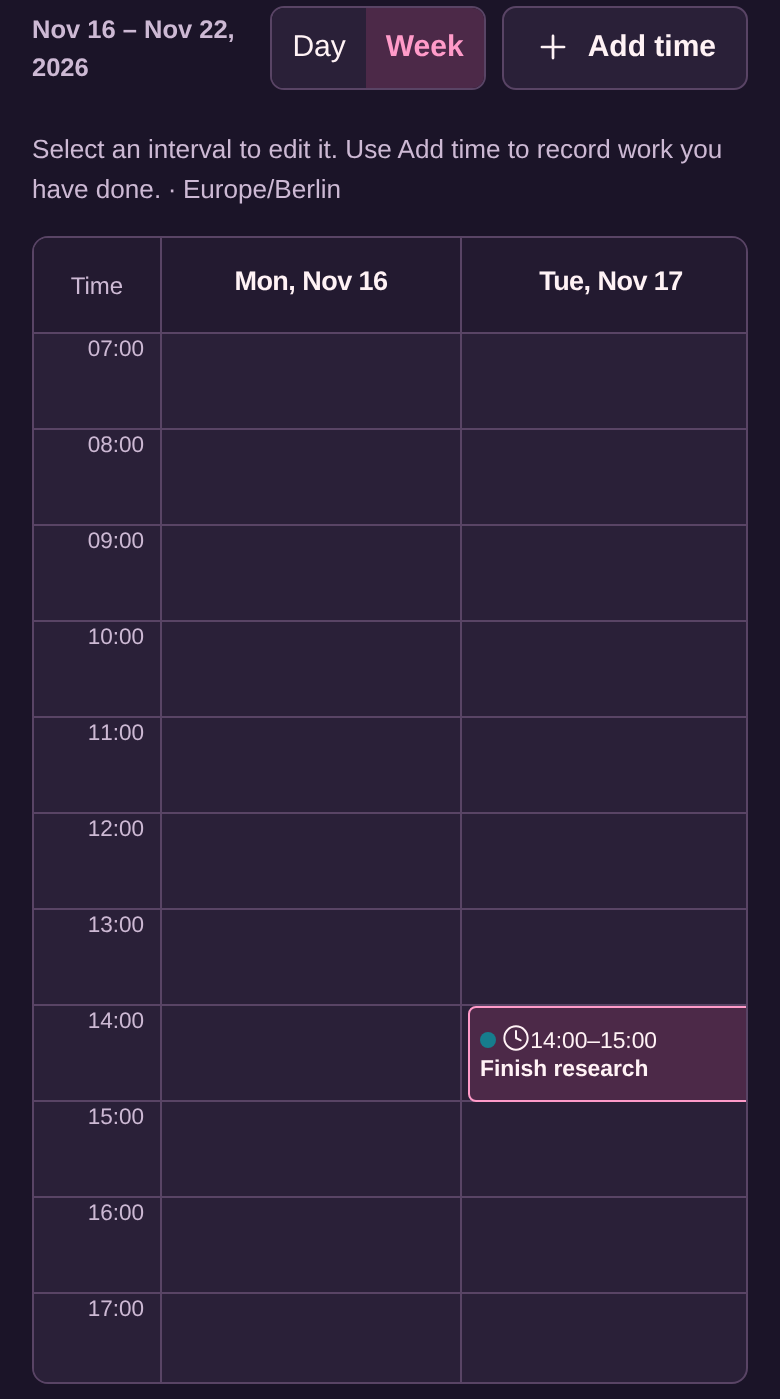
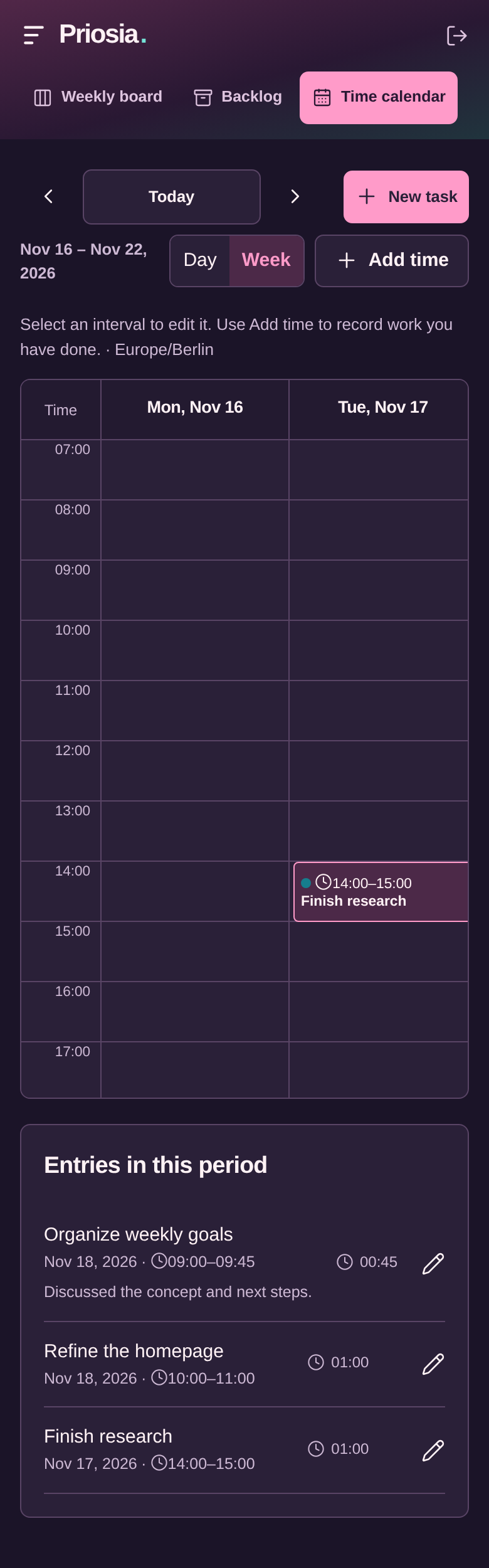
Compared with a calendar of planned work blocks, Priosia is especially well suited to this review: its time calendar shows recorded work, not an intention. Reserving an afternoon and actually spending it on a project are different things.
1. Record work against a specific task
Start the focus timer when you work on “Draft the workshop programme.” Pause it when you interrupt the work and stop it afterwards. Each user has one open focus timer, with its state managed on the server. This requires a connection to the web app.
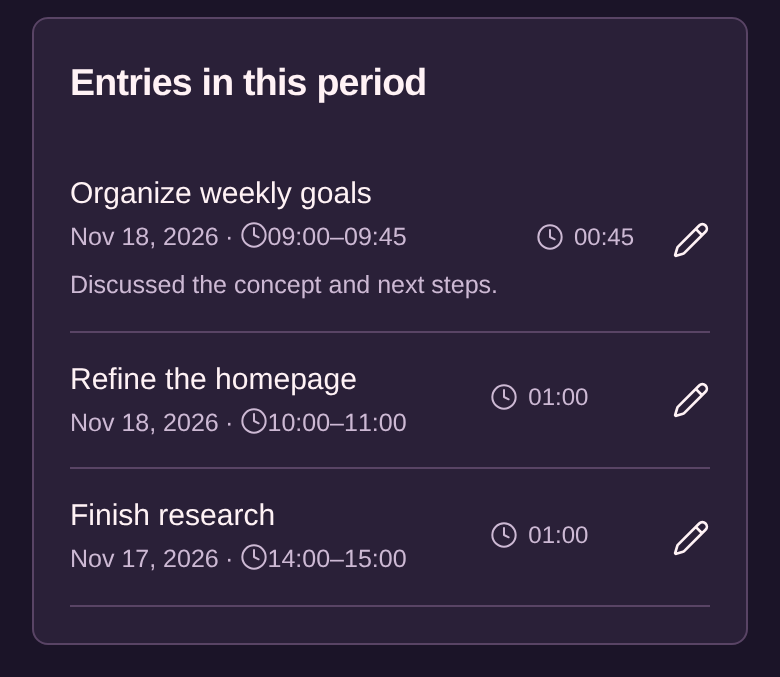
Forgot to start? Add the work afterwards with a start and end time. Correct an existing interval if it does not reflect what happened. The purpose is a useful record, not the largest possible total.
Priosia works well here because the task and its recorded time belong together. You do not first have to translate a separate stopwatch record back into your task organisation.
2. Check the calendar before trusting the totals
Look through the past week’s days. Is an important work session missing? Did the timer run through a long interruption? Correct those entries before drawing conclusions from the totals.
If you deliberately enter overlapping intervals, they are added independently. Such a total is not automatically the elapsed time you were present. Use unambiguous records when you want to understand how long you personally worked.
This quick plausibility check makes the review more useful than simply reading a large number.
3. Consider project, task and day together
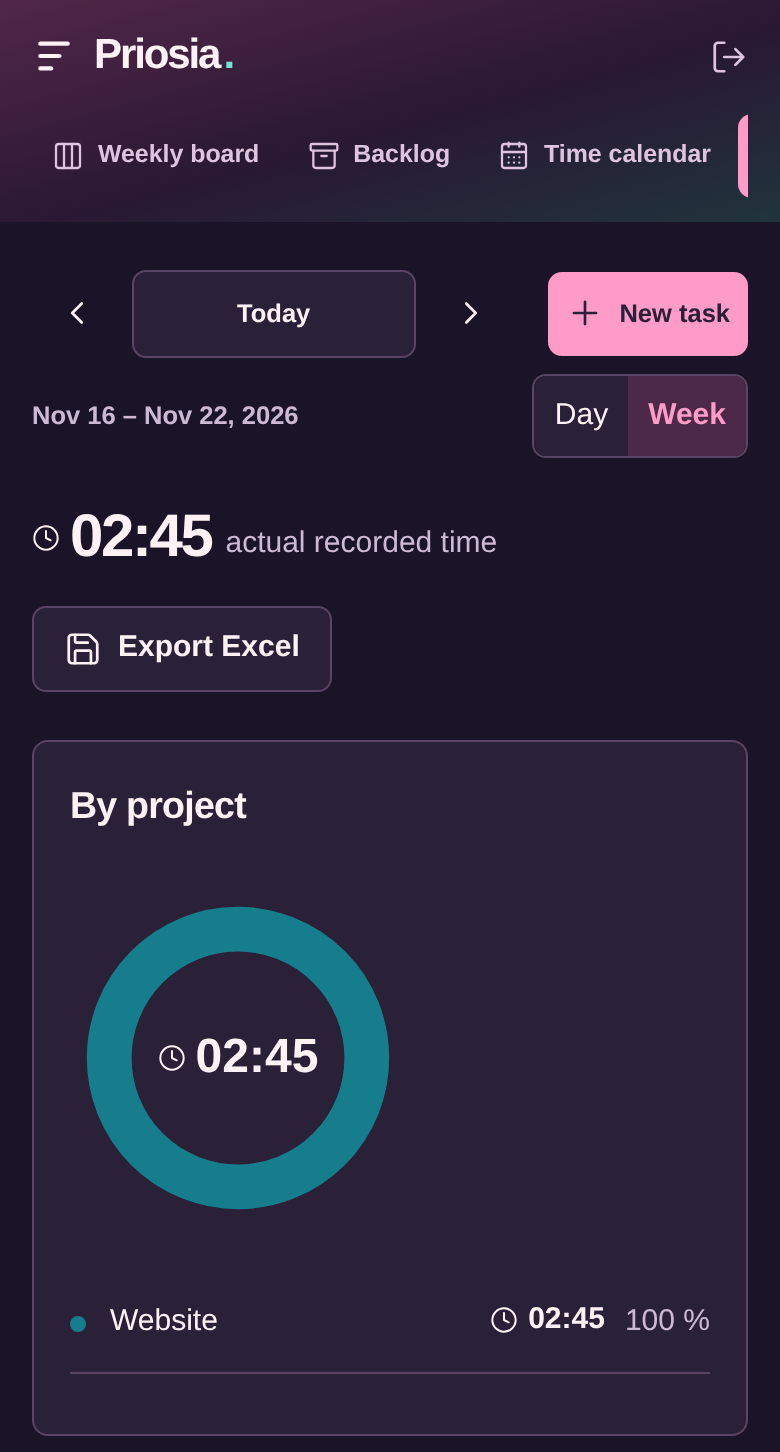
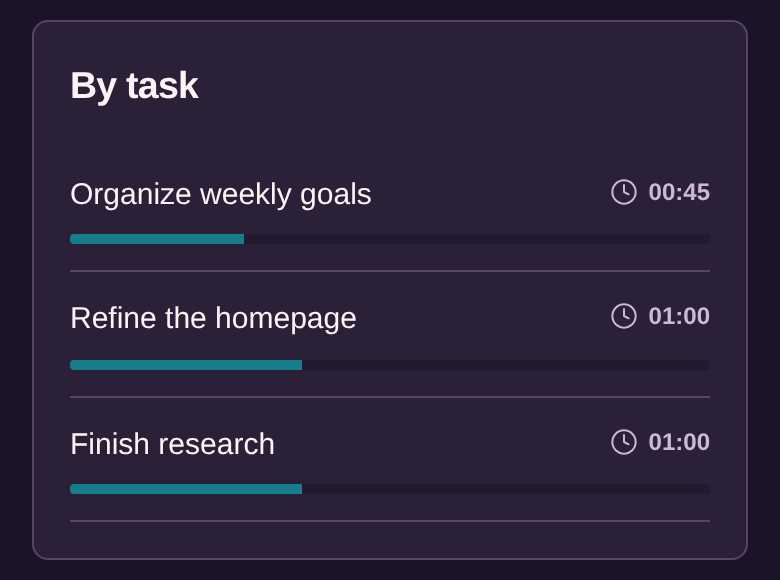
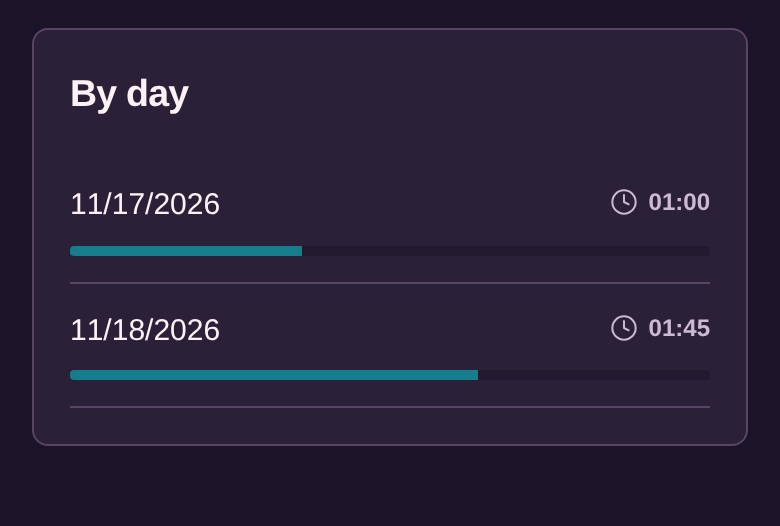
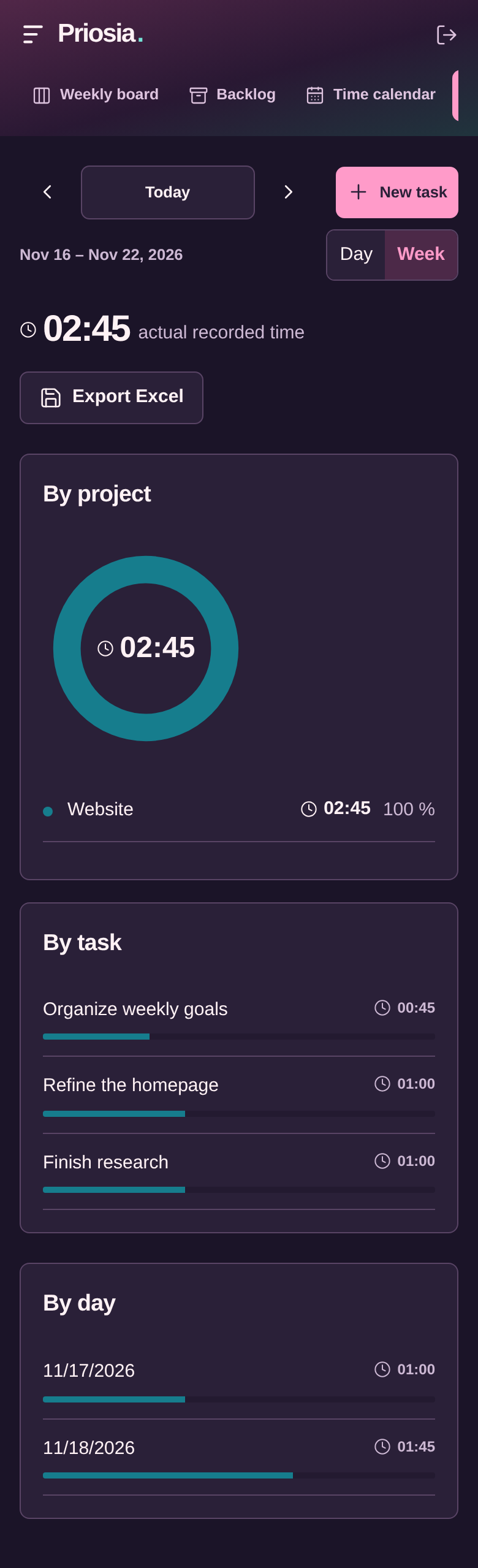
Priosia reports recorded time by project, task and day. The project view shows which effort received attention. The task view explains the activities behind it. Looking at individual days helps you understand the distribution.
Here is an illustrative example: you recorded four hours for the workshop and two for administration. Of the workshop time, three hours went into design and one into content. If your aim was a solid programme, “Develop the content” might move ahead of visual refinements next week.
These numbers are examples, not target ratios. More time is not automatically better. Also, if you later move a task to a different project, its previous recorded time follows that current project assignment.
4. Turn an observation into one small change
Finish your review with three short statements:
- This work was worth the effort.
- I want to give this activity clearer limits.
- This task deserves priority next.
Then update the order on your Priosia board. Rather than immediately converting the review into a minute-by-minute timetable, decide what should come first. Regular review is also part of the fundamentals of Getting Things Done; this particular time-review routine is an editorial recommendation.
Why Priosia fits this cycle
A task-only list shows open and completed items. Appointment scheduling shows when something is meant to happen. Priosia brings task priority, a focus timer, an actual-work calendar and reporting into one personal workflow. That is useful when you want the past week to inform a more deliberate next week.
Start with one project and a few days of recorded work. Instead of “Was I busy enough?”, ask “Did my attention match what mattered to me?”
Open Priosia and base your next weekly review on work you actually recorded.
Read next: Use a backlog and return dates · Break projects into doable tasks.
Read next: One task, one working session: use Priosia’s focus timer and Pomodoro · Forgot the timer? Add and correct working time in Priosia.