From a big plan to the next step: break projects into doable tasks

“Update the website” has been on your list for weeks. You know it matters, yet starting still feels difficult. Should you write the copy, choose images or rethink the page structure first?
An earlier date alone will not answer that question. Often, what is missing is a clear next action. Priosia suits an approach that groups a larger effort into a project and orders concrete tasks by priority, without assigning every step an exact hour.
1. Describe a result you can recognise
Decide how you would know the project was finished. Instead of “Website,” call it “Publish the new services page.” Give the first version a simple boundary: a published page with a clear offer and a working contact link is enough.
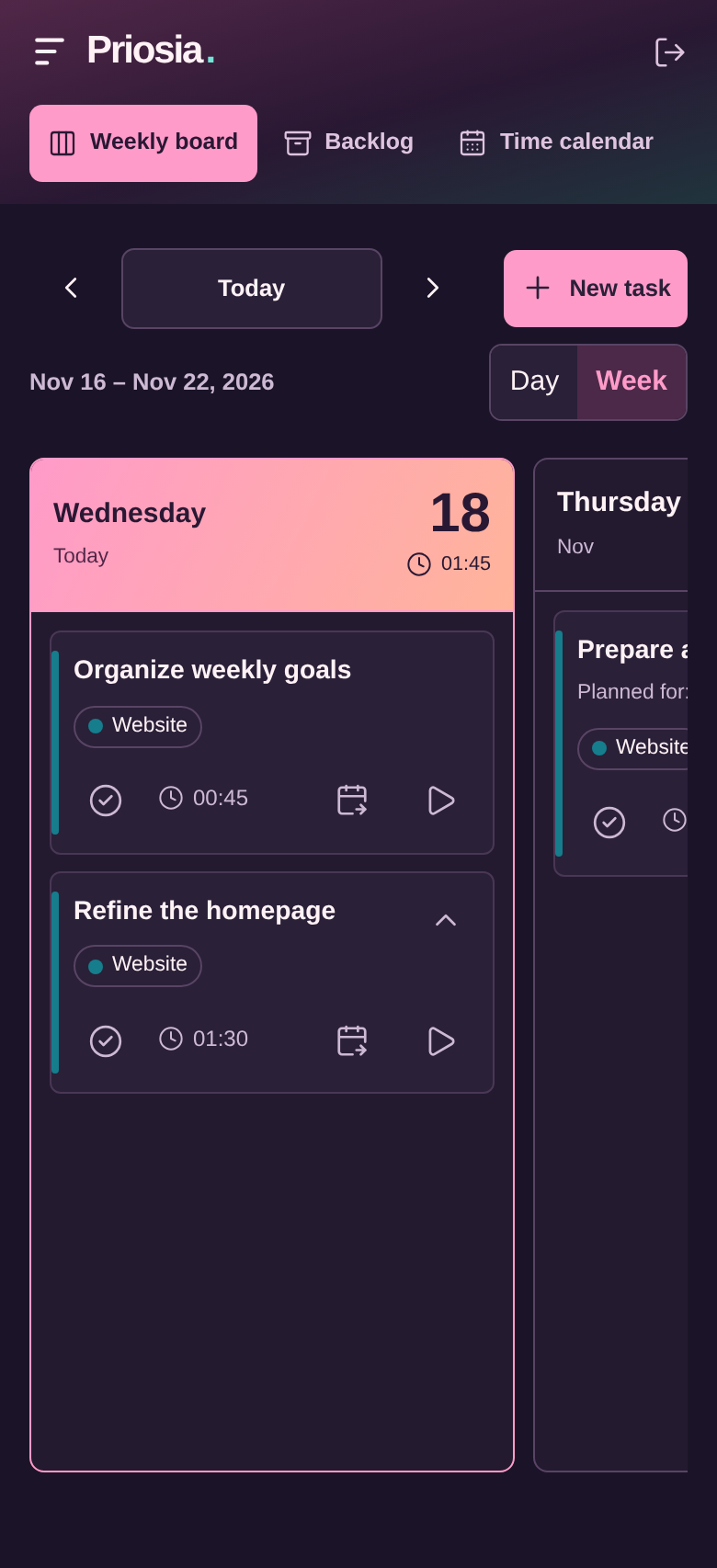
The project name is not an automatically measured goal. It gives the tasks a shared purpose. In Priosia, assign those tasks to the relevant project; a project colour provides another visual cue.
Compared with an undifferentiated task list, this is useful because you can see not just separate obligations but the larger effort each one serves.
2. Replace labels with visible actions
Do not stop at “Copy” or “Contact.” Start with a verb and a concrete object. For the services page, you might write:
- Collect three common questions from potential customers.
- Write an outline for the services page.
- Produce the first copy draft.
- Test the contact link on a phone.
A good task suggests how to begin. “Think about the website” may describe necessary thinking; “Sketch three possible page structures” makes the next working step easier to recognise.
The distinction between a project and a next action also appears in the fundamentals of Getting Things Done. These examples are practical suggestions, not tasks automatically generated by the app.
3. Give each task a simple definition of finished
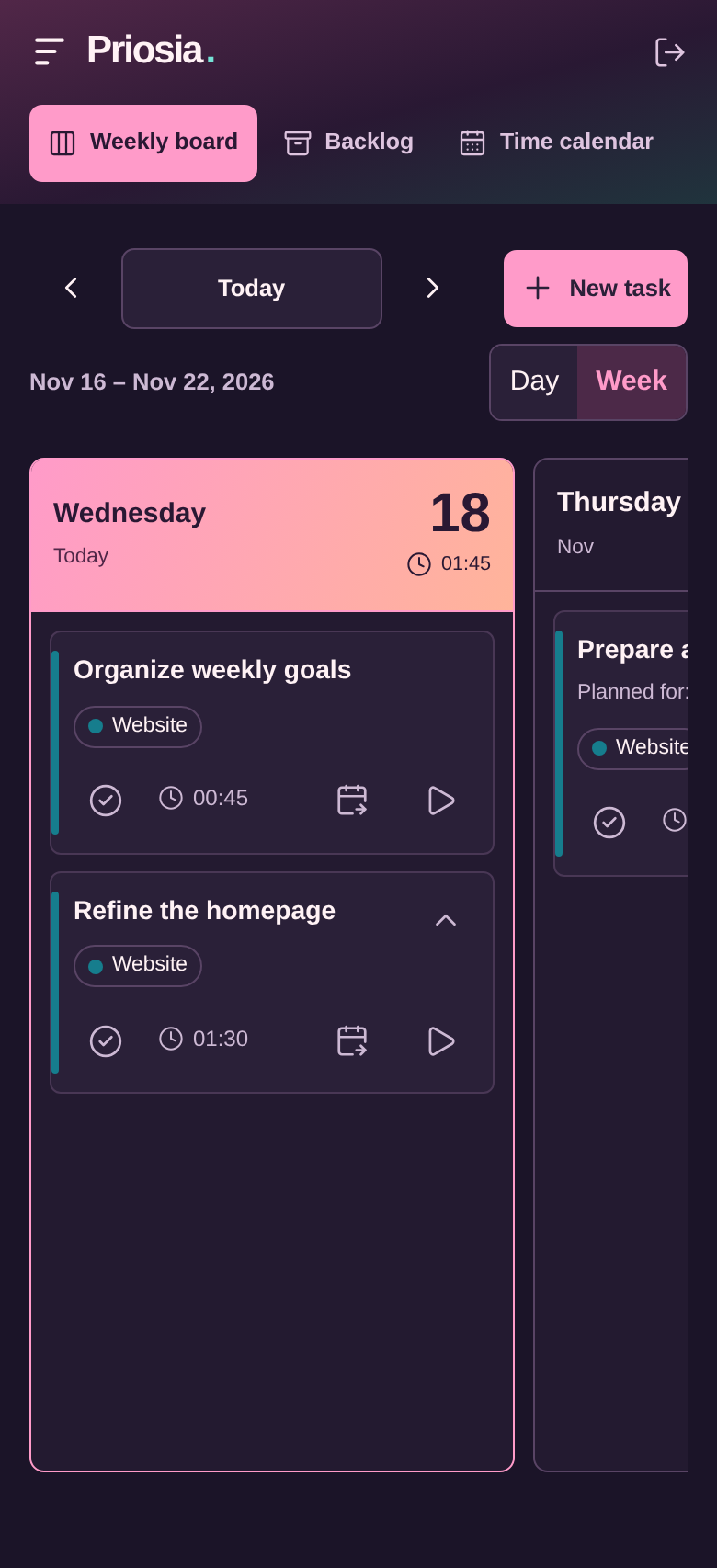
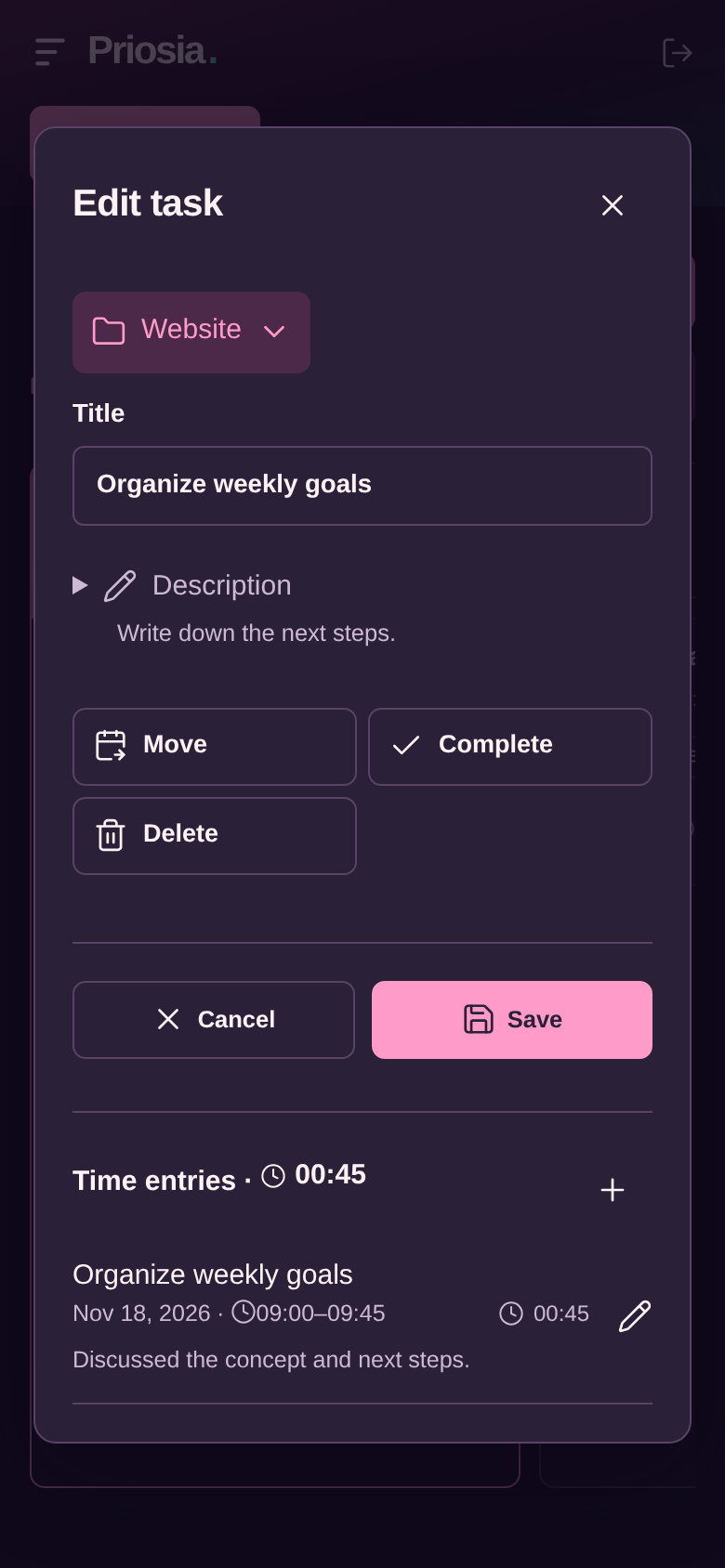
Use the description, when helpful, to say what is enough for this round. For the outline: “Headings and one bullet per section; finished copy is not needed yet.”
That will not prevent every revision, but it makes the decision more concrete. If you keep polishing the same draft, you can return to its intended scope.
You do not need a complicated subtask system for this. In Priosia, create separate tasks in the same project and use their descriptions. The project provides the connection; you provide the useful breakdown.
4. Put the next sensible step first
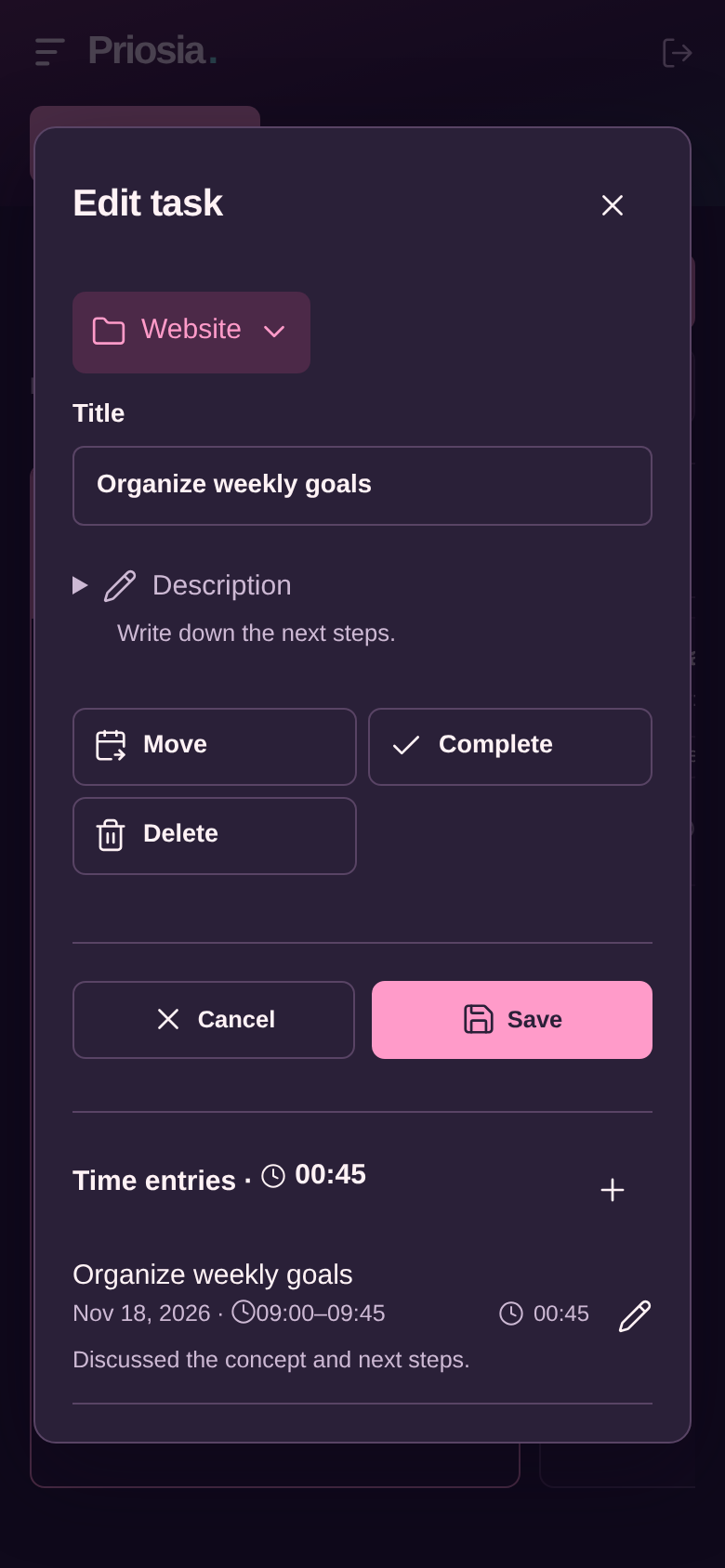
If the structure is undecided, outline the page before polishing sentences. Maintain that practical order yourself on the board. You do not need automatic dependency scheduling to apply this judgement.
This is where Priosia is a good alternative to rigid time-block planning: you can prioritise the next step before pretending to know its exact duration. A task can belong to today without occupying a reserved 10:15 slot. When circumstances change, adjust the order.
5. Keep later ideas out of the current scope
While writing the services page, you think of an explainer video. It might be a useful later addition. Save it in the backlog rather than immediately making the first release depend on it.
Choose a suitable day for tasks that become relevant later. Active unfinished work carries forward at your local change of day without a new copy. Priosia is therefore a useful fit for longer projects: you can continue the same task instead of creating it again every morning.
6. Work, review and choose again
Start the focus timer while writing. Afterwards, the time calendar and project report show the work you recorded. If the first draft needed much more attention than expected, consider making the next action smaller. That is not automatically evidence of poor work.
Priosia’s strength here is the connection: project, priority and actual effort remain linked. A list containing one large “Update the website” item cannot supply that context merely through a completed checkbox.
Start with one current project. Define a result, three concrete tasks and the first action you can genuinely take now. You do not have to schedule every remaining step down to the minute.
Open Priosia and turn your next project into a clear next action.
Read next: Organise tasks in a backlog · Review your working time.
Read next: One task, one working session: use Priosia’s focus timer and Pomodoro · Forgot the timer? Add and correct working time in Priosia.