Not everything is for today: organise tasks with a backlog and return dates

A new workshop idea, an unpaid invoice and a website update sit side by side on your list. They all look like work, but they do not all need your attention today. If every idea immediately gets a date, a useful reminder can turn into another apparently overdue commitment.
A backlog separates capturing something from committing to do it now. Priosia is a good fit for this approach: tasks can wait without a date, enter the weekly board when relevant and take their place in priority order. You do not have to assign an hour just to save an idea.
1. Capture the idea without making a promise
Imagine you are preparing a workshop. An extra exercise sheet might be useful, but registration and the main programme are not ready yet.
Add “Consider an extra exercise sheet” to the backlog. Use the description to explain what it might help with. Leave the date unset while you are still deciding whether it belongs in this version of the workshop.
Compared with a simple daily list, the advantage is clear: saving a task does not make it today’s responsibility. Priosia gives future work a place without forcing it to compete with your current priorities.
2. Decide: someday, a particular day or now?
Ask three questions when you review a new entry:
- Is it only a possibility? Leave it undated in the backlog.
- Will it become relevant on a particular day? Plan it for that day or set its return date.
- Can and should I work on it now? Bring it into the current priority order.
You might revisit the exercise sheet after the workshop programme has been agreed. The date means the task comes back into consideration. It does not reserve an hour or imply that Priosia will send a notification.
This is where Priosia suits the routine particularly well: you decide when something becomes relevant and where it belongs in the order, rather than squeezing an uncertain idea into a fixed work slot.
3. Keep the active board deliberately selective
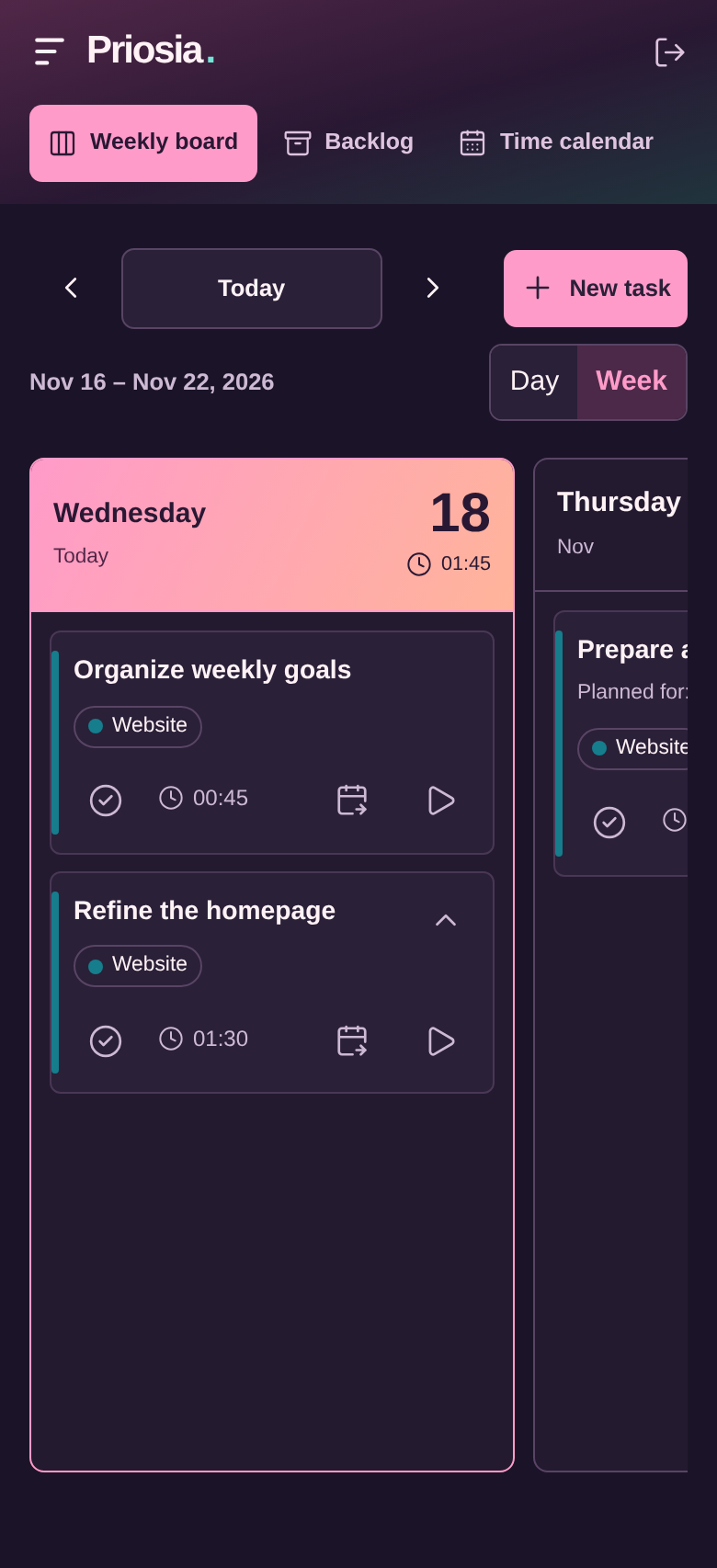
Bring forward tasks that are realistic candidates for your next stretch of work. “Outline the programme” might come before “Write the registration form.” The optional exercise sheet can keep waiting.
How many tasks you keep active is your decision. Try starting with three concrete next steps and adjust the number to your day. That is a working habit, not an app limit.
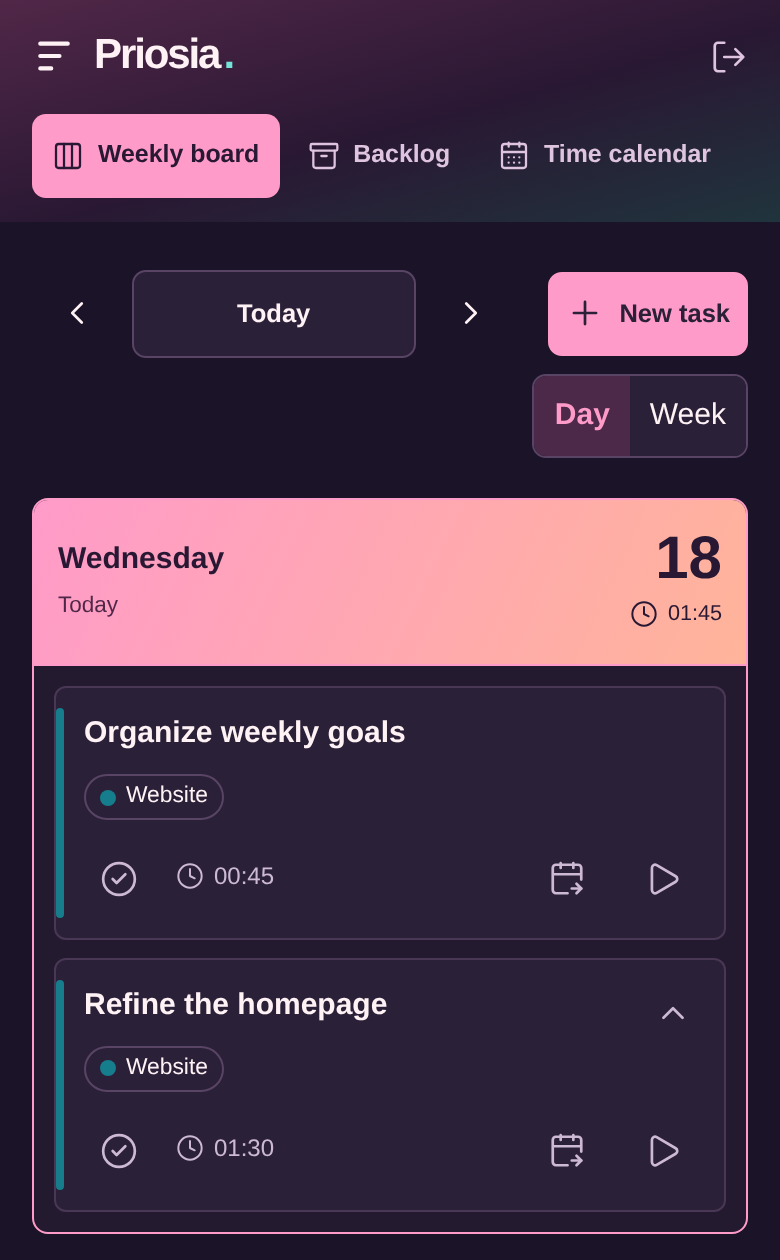
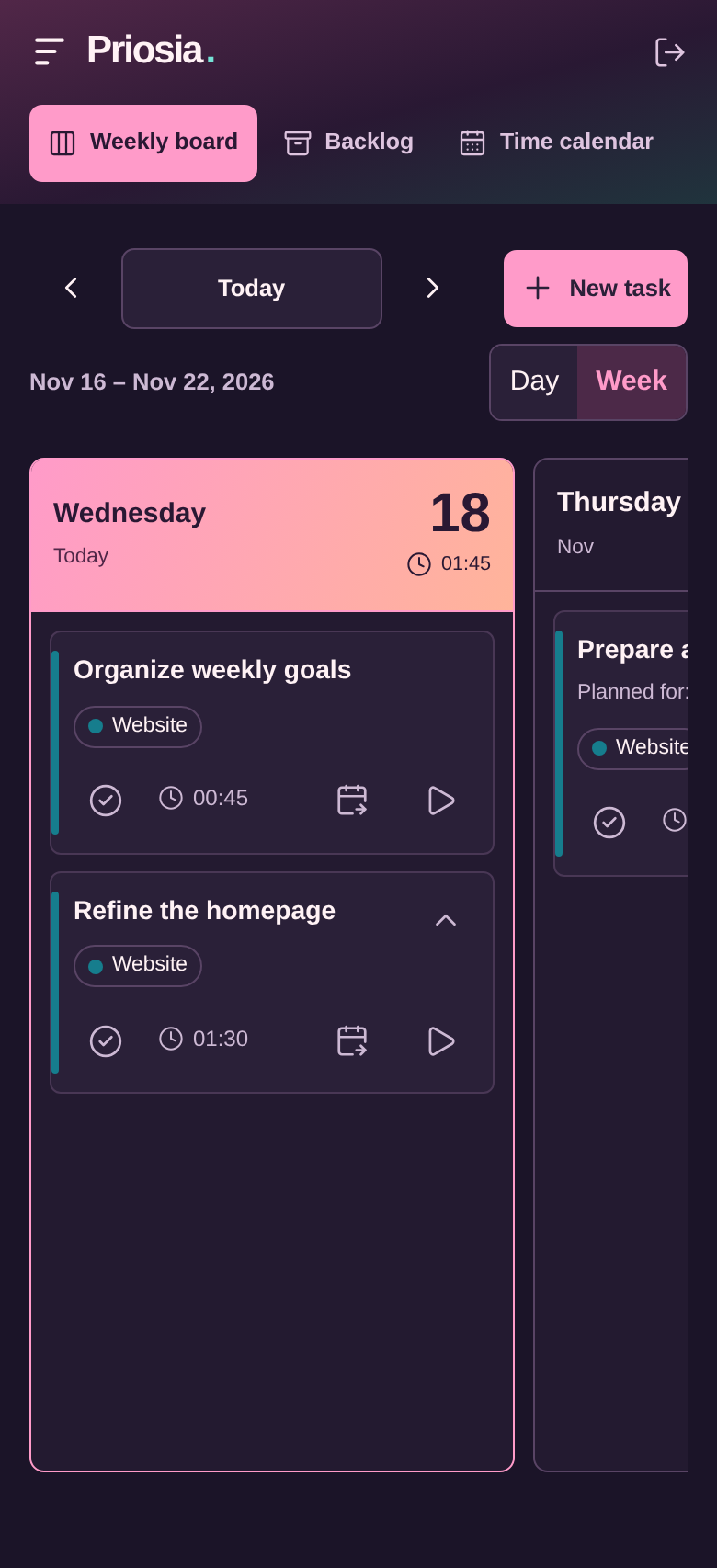
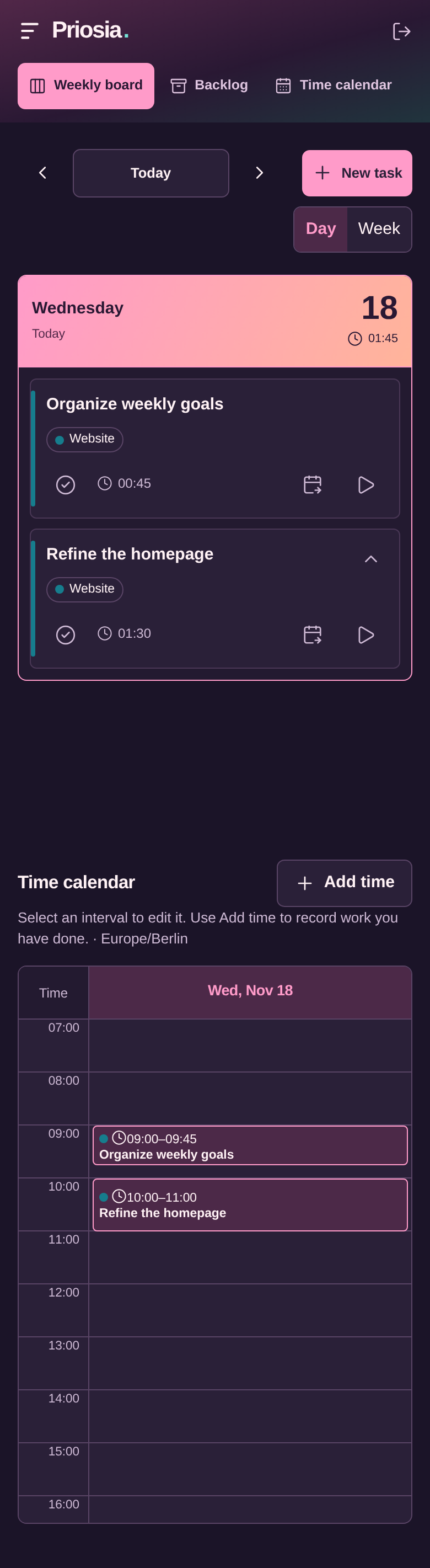
If an active task remains unfinished, Priosia carries it forward at the change of day in your time zone without making a new copy. You do not have to rewrite the same list each morning. Move it deliberately if it belongs later; automatic carry-forward does not replace a fresh priority decision.
4. Review the backlog before it becomes an archive
Set aside a short, regular review, perhaps at the end of the week. For each item, ask:
- Is this still relevant?
- Do I know the next action?
- Should it stay undated, return on a particular day or become active now?
“Consider an exercise sheet” might become “Draft three workshop exercise questions.” The idea is now actionable. You still decide whether it is worth doing; an automatic ranking algorithm is not making that judgement for you.
Separating capture, clarification and review also appears in the fundamentals of Getting Things Done. This routine is a practical editorial adaptation of that idea, not a requirement to adopt an entire system.
5. Stay in the same workflow when later becomes now
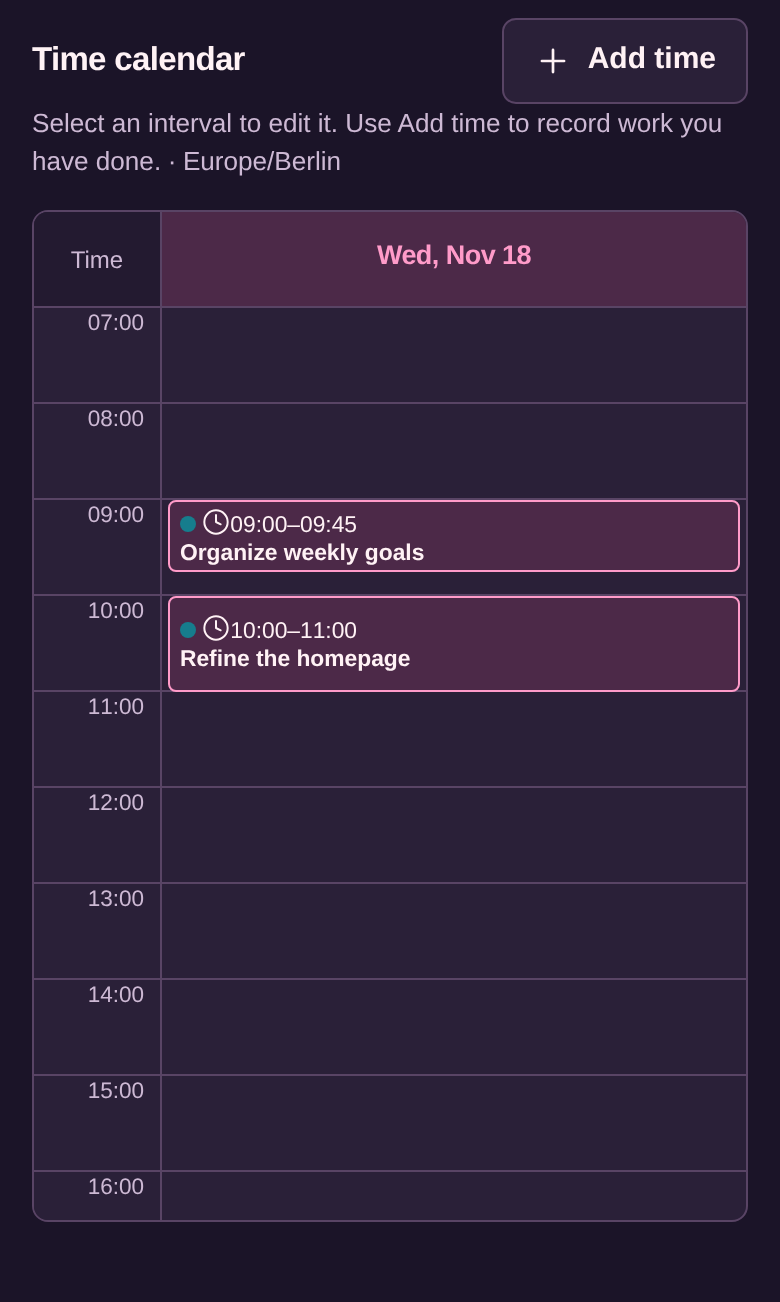
When the exercise sheet becomes relevant, put it in order on the board and start its focus timer while you work. Recorded effort then appears in the time calendar and reports.
That makes Priosia more than a holding place for open items. The connection remains intact from saved idea to next task to actual effort. If you normally maintain a task list, a rigid work schedule and separate time records, Priosia lets you connect those steps.
A small experiment for today
Take three entries from your current list. Is each important today, relevant later or simply an idea? Put it in the appropriate place instead of assigning today’s date to all three.
The aim is not an empty backlog. It is a current list you can trust because it does not constantly compete with everything you might want to do someday.
Open Priosia and give one future idea a deliberate place.
Read next: Break projects into doable tasks · Review your actual working time.
Read next: One task, one working session: use Priosia’s focus timer and Pomodoro · Forgot the timer? Add and correct working time in Priosia.