Priosia: Clear priorities without scheduling every hour

You got plenty done, yet the important task is still waiting. Tomorrow, you will write it on your list again. And although your calendar was full, you cannot quite say where the day went.
Priosia brings three everyday needs together: put tasks in priority order, focus on the work, and see the time you actually spent. Without assigning a fixed time slot to every task.
A clear order, not another timetable
Not every task fits neatly between 10:00 and 10:45. You might be waiting for feedback. A first draft might take longer than expected. Or the day might get interrupted.
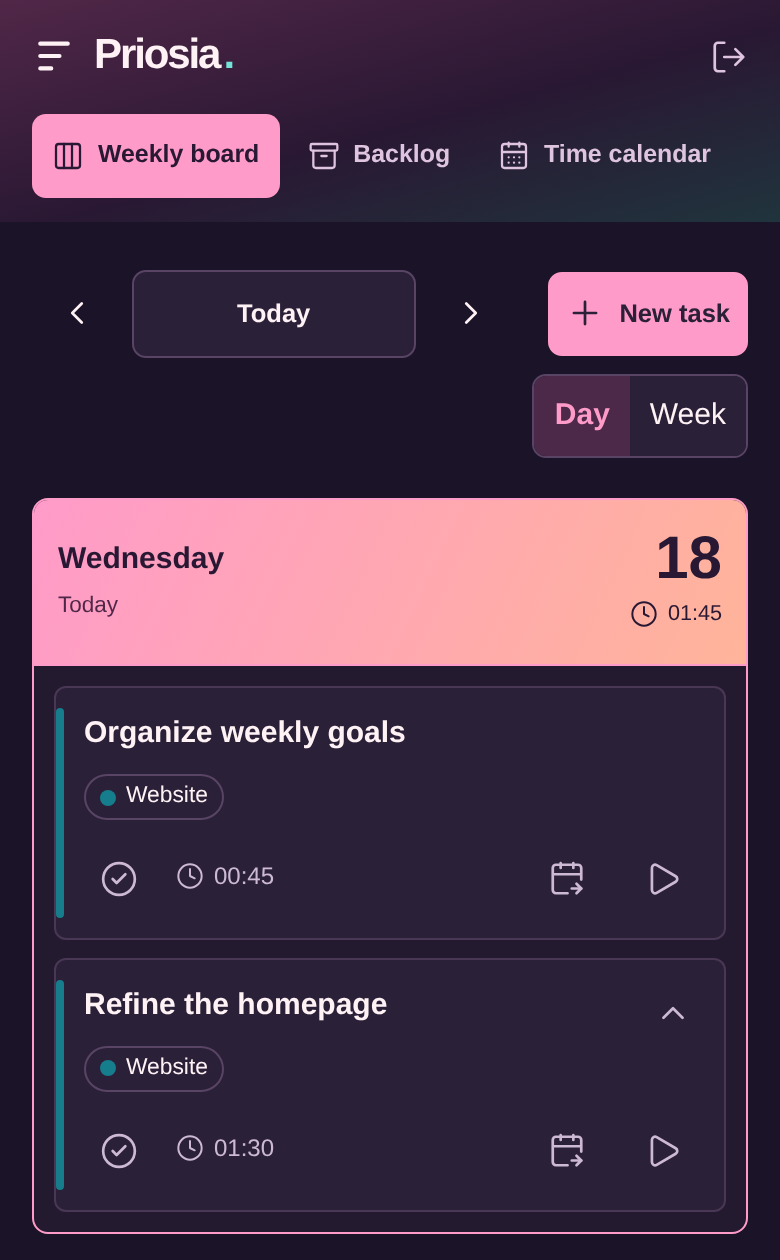
In Priosia’s daily or weekly board, you arrange tasks by priority. You can plan a task for today or a later day without reserving a particular hour. The order means: this is my next important step. It does not mean that the work must begin at an exact minute.
Imagine you want to publish your portfolio. “Draft the project description” comes before “Refine the colours.” Both belong to the same effort, but the writing needs your attention first. Change the order with drag and drop or the priority action.
Unfinished tasks come with you
A task should not disappear just because a new day begins. Priosia carries open tasks forward at the change of day in your time zone, without making you copy them or creating duplicates.
That does not mean filling every future column with the same unfinished task. A task explicitly planned for Friday first appears there. Open work carries forward as the days actually change.
For your portfolio, that means an unfinished description does not need a fresh entry tomorrow. If you deliberately want to leave it until later, move it to the day that makes sense.
Not everything needs a place today
“Add a second case study someday” may be a good idea, but not a task for this week. That is what the backlog is for.
Capture tasks without a date and bring them into your weekly plan when they become relevant. If you already know when you want to pick something up again, set a resumption date or plan it for that day. You keep ideas worth saving separate from work that needs attention now, without losing either.
Choose one task and start focusing
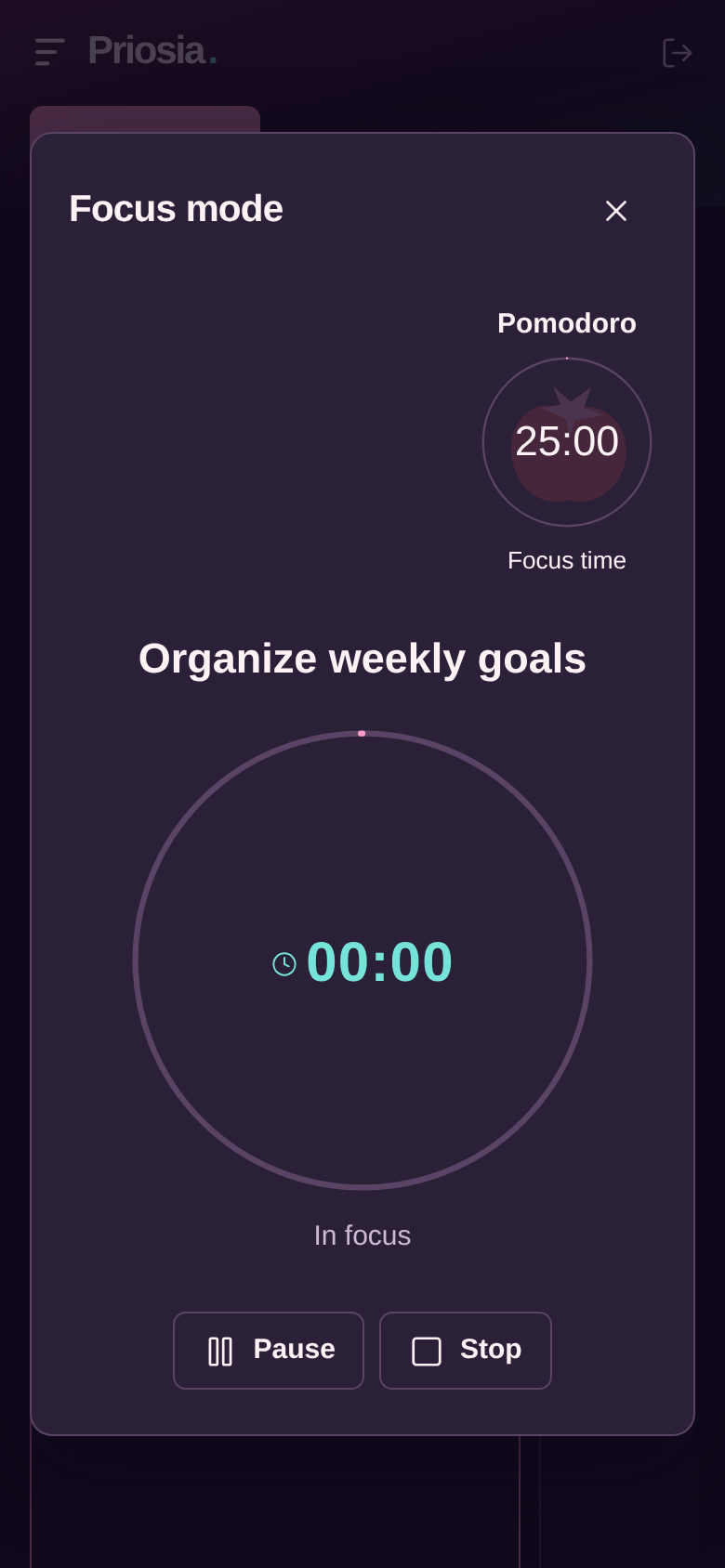
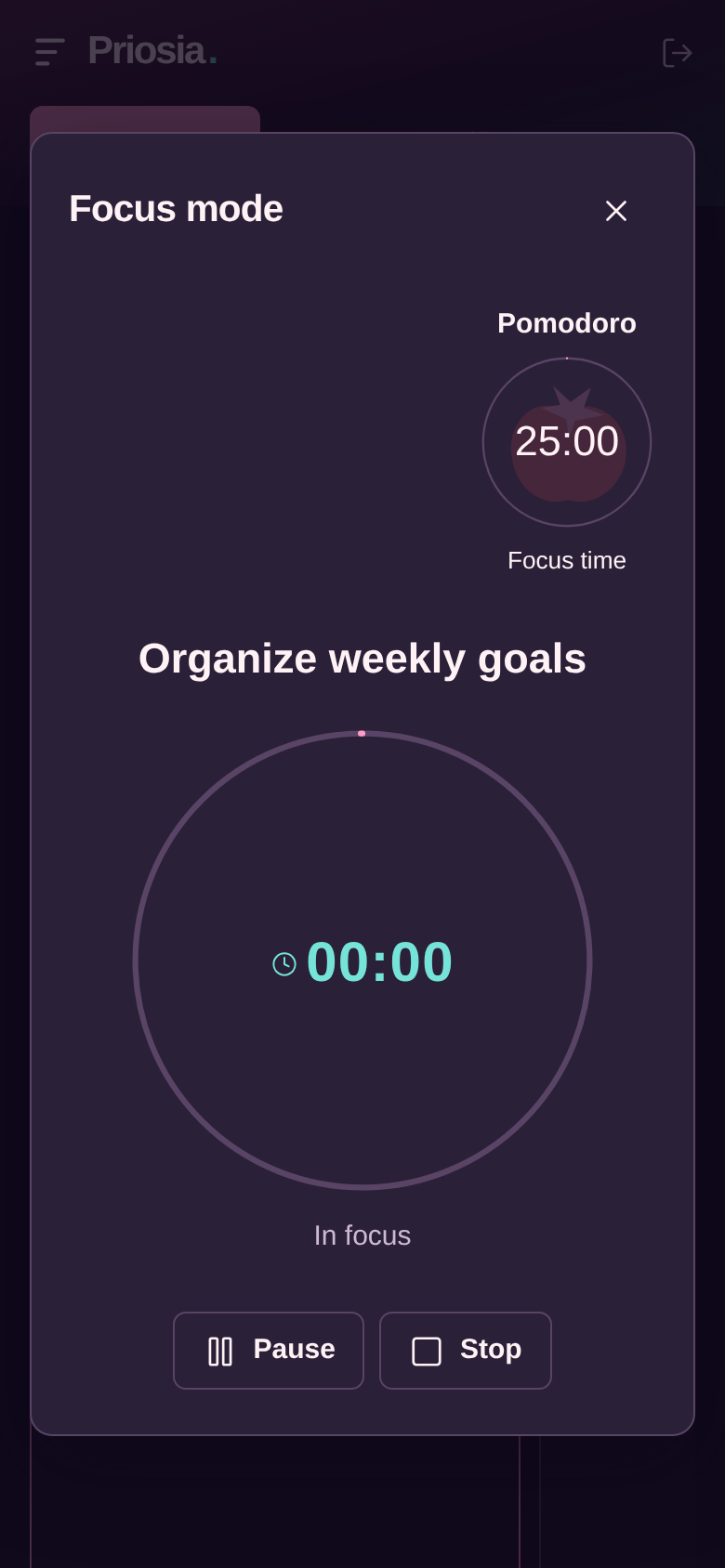
When you begin the project description, start its focus timer. Pause it, resume it and stop it as needed. Each user has one open focus timer, with its state managed on the server.
This is not about choosing a perfect session length. It is about recording the time you actually work on the task. Forgot to start the timer? Add the work afterwards with a start and end time. Existing intervals can be corrected too.
You need a connection to the web app for this workflow. A manual correction helps when the recorded interval does not quite match what happened.
Projects connect the individual steps
A project might be called “Publish my portfolio,” “Prepare for the exam” or “Update the website.” Group its tasks together and later review the time recorded against that project. Tasks also work without a project.
Putting a concrete goal in the project name is a useful habit, not an extra requirement. It makes the purpose of the work easier to recognise. Recorded hours show effort; they do not automatically prove that the goal has been reached.
A calendar for what actually happened
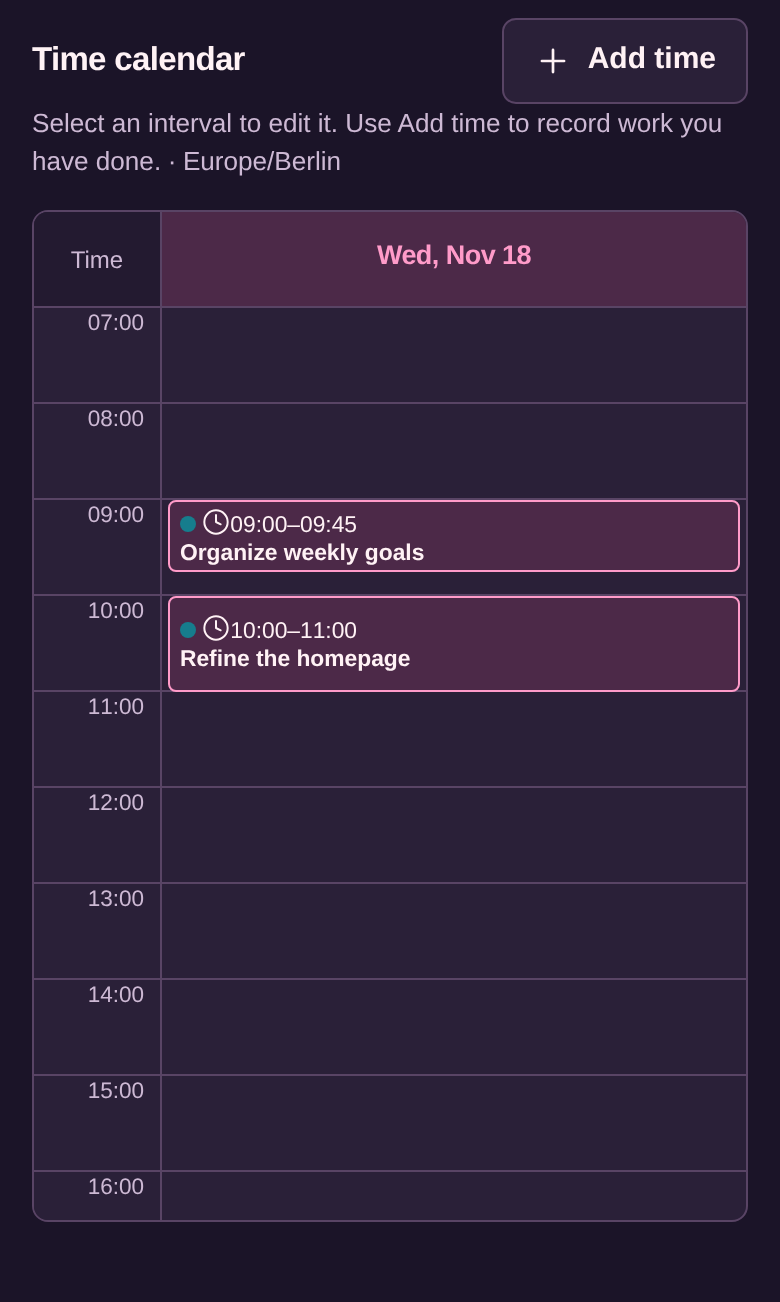
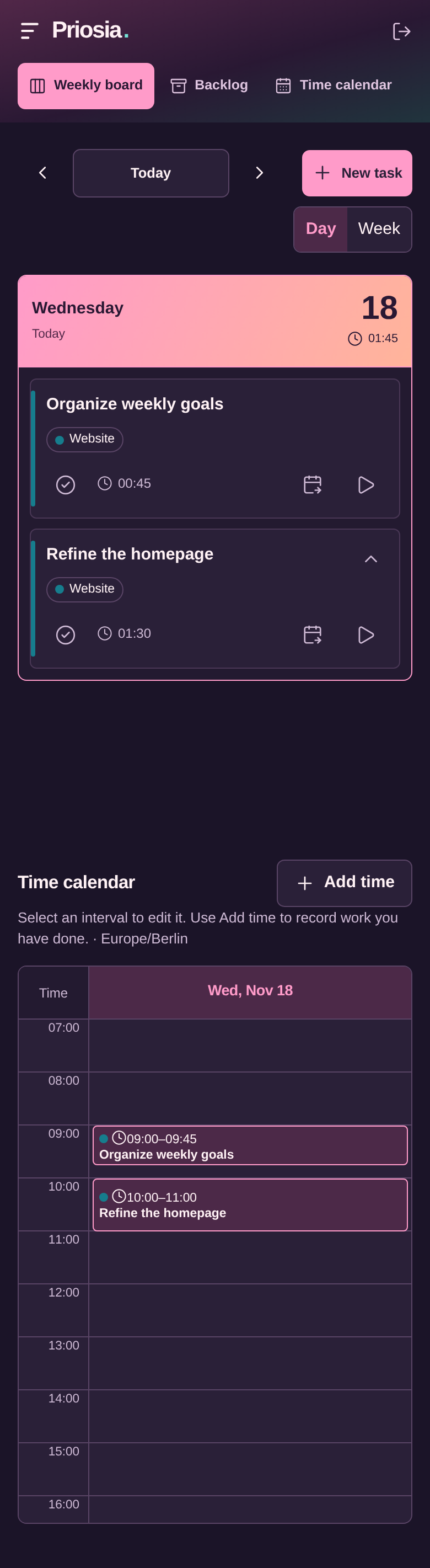
Priosia’s time calendar is deliberately not a tool for packing tomorrow with scheduled work blocks. It shows the working intervals you have actually recorded. The board answers “What matters next?” The calendar answers “What did I work on?”
Reports break recorded time down by project, task and day. You might notice that small refinements took up much of the week while the project description received little attention. That gives you something specific to consider when setting your next priority, rather than an automatic verdict on your productivity.
Start small, not with a complete reorganisation
You do not have to move every task at once. Try a simple first step:
- Create one current project and three concrete next tasks.
- Put them in the order that matters now.
- Start the focus timer on the first task.
- Review the time calendar in the evening: did your recorded work reflect the order you intended?
Priosia is for organising your own work without turning every task into an appointment. Use the web app on desktop or in a mobile browser, in your personal workspace.
Less rewriting. A clearer next step. And a record of where your time went.
Open Priosia or visit the Priosia overview.
Read next: One task, one working session: use Priosia’s focus timer and Pomodoro · Forgot the timer? Add and correct working time in Priosia.